 Leaf Calendar
Views and navigation
Picking a view
Use the view picker in the title bar, a keyboard shortcut, or the command menu.
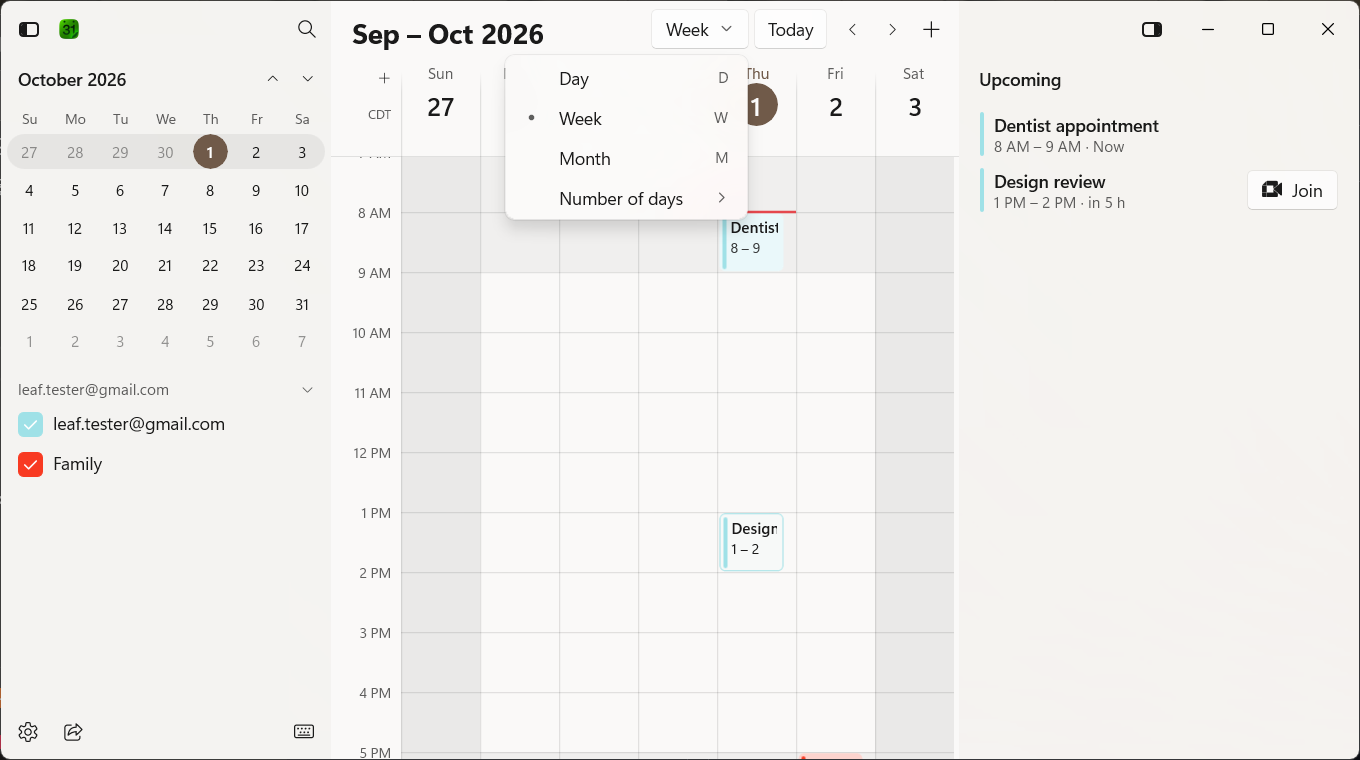
| View | Shortcut | What it shows |
|---|---|---|
| Day | D or 1 | One day, hour by hour |
| Week | W or 0 | One week, hour by hour |
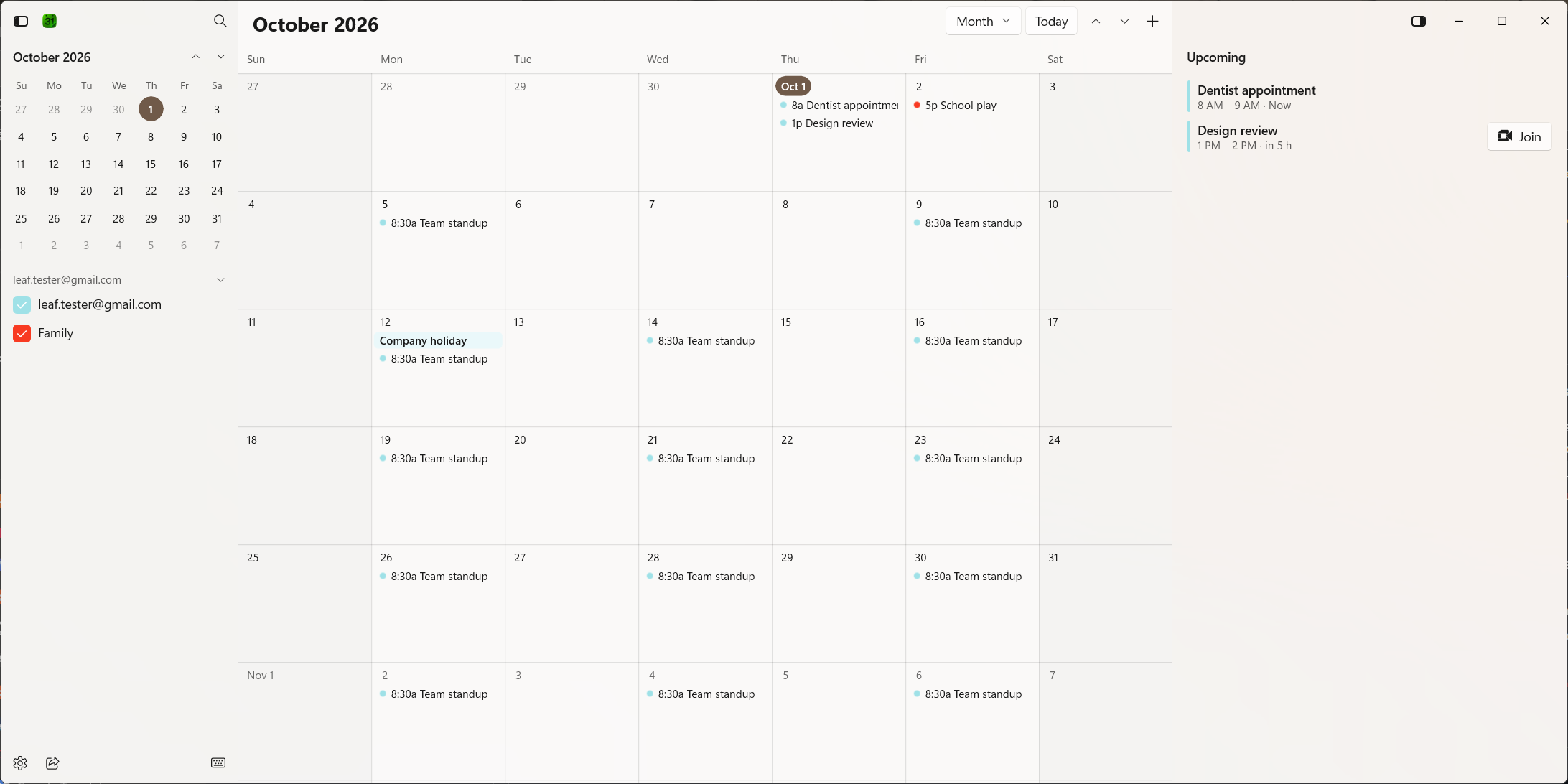
| Month | M | A whole month, with events listed in each day |
| Custom days | 2 to 9 | That many days side by side |
Set the length of the custom view (from 1 to 31 days) in Settings › General › Days in the custom view. Leaf Calendar remembers the last view you used.
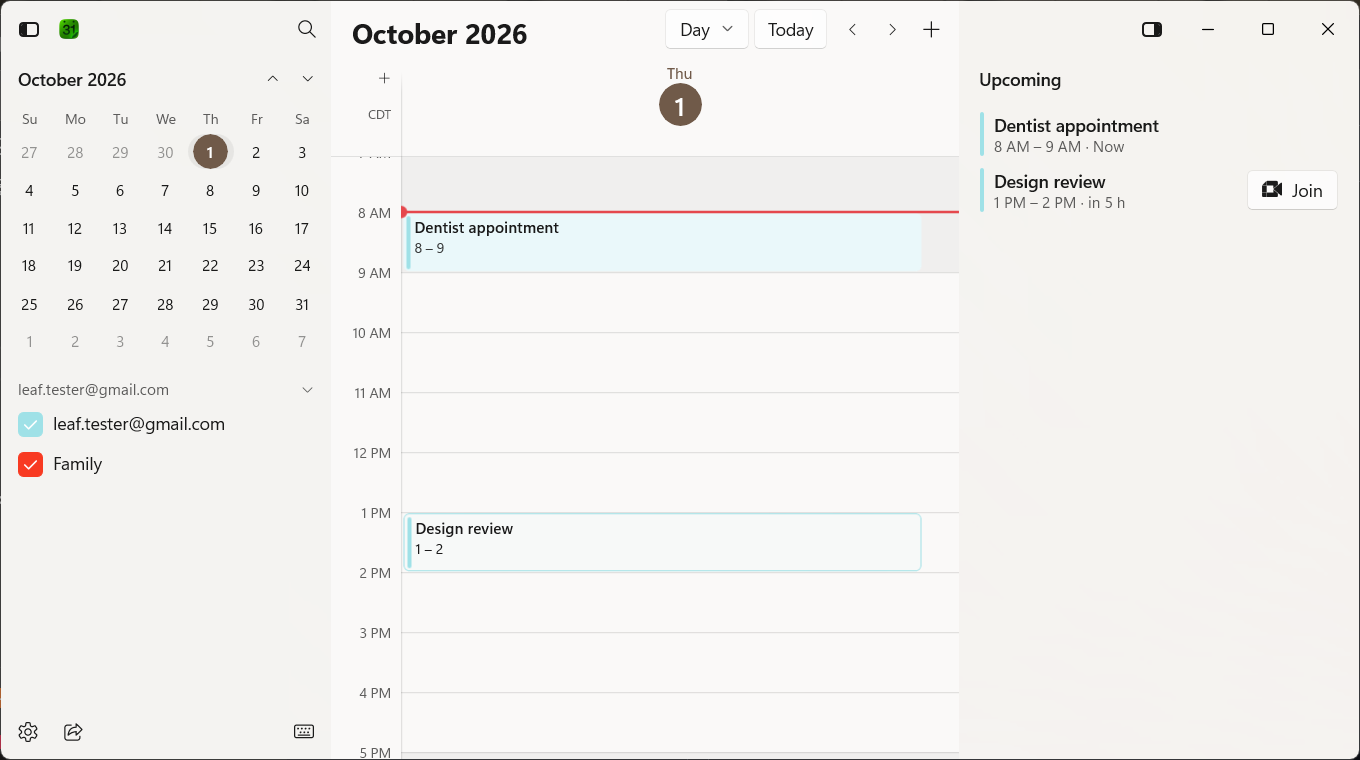
Day view
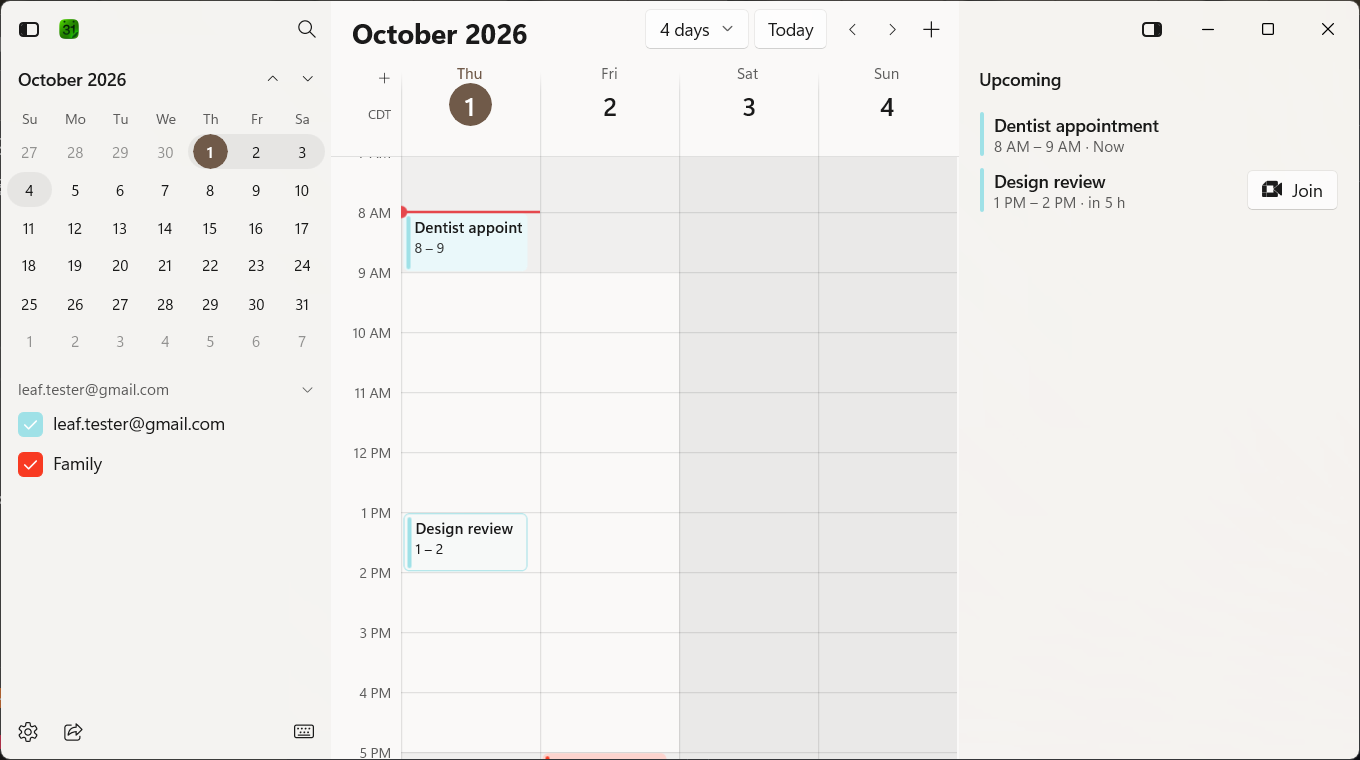
A 4-day view
Month view
Moving around
- Today (
T) jumps to today. - Previous and Next (
←and→, orKandJ) move one period at a time. - Go to date (
.) opens the command menu ready for a date. Type something like “oct 12”, “next fri”, or “in 2 weeks” and press Enter. - Click a day in the mini month in the sidebar to jump to it.
- Scroll sideways with a trackpad, Shift and the mouse wheel, or by dragging, to slide smoothly through the days.
- Next event (
N) and previous event (BorShift+N) select the next or previous event. - Back and forward (
Alt+←andAlt+→, or your mouse’s back and forward buttons) step through the places you’ve looked at.
What’s on the grid
- The current-time line marks right now.
- Working hours are shaded so you can see when you’re working. Google doesn’t share your working hours with apps, so you set them in Settings › General › Working hours (9 AM to 5 PM, Monday to Friday, until you change them).
- The all-day row sits above the hours. Click it to expand or collapse it. Multi-day events keep their titles visible as you scroll.
- Past events fade so today’s remaining events stand out.
- Focus time, out of office, and birthday events each have their own look.
Changing what you see
| Shortcut | What it does |
|---|---|
Ctrl+= / Ctrl+- | Make hours taller or shorter (Ctrl and the mouse wheel over the grid works too) |
Ctrl+0 | Reset the hour height |
Ctrl+Shift+E | Show or hide weekends |
Ctrl+Shift+D | Show or hide events you declined |
Ctrl+Shift+L | Switch between light and dark |
You’ll find the same options, plus week numbers, the first day of the week, and 24-hour time, in Settings › General.