 Leaf Calendar
Event details and replies
Click an event to see its details in the right panel.
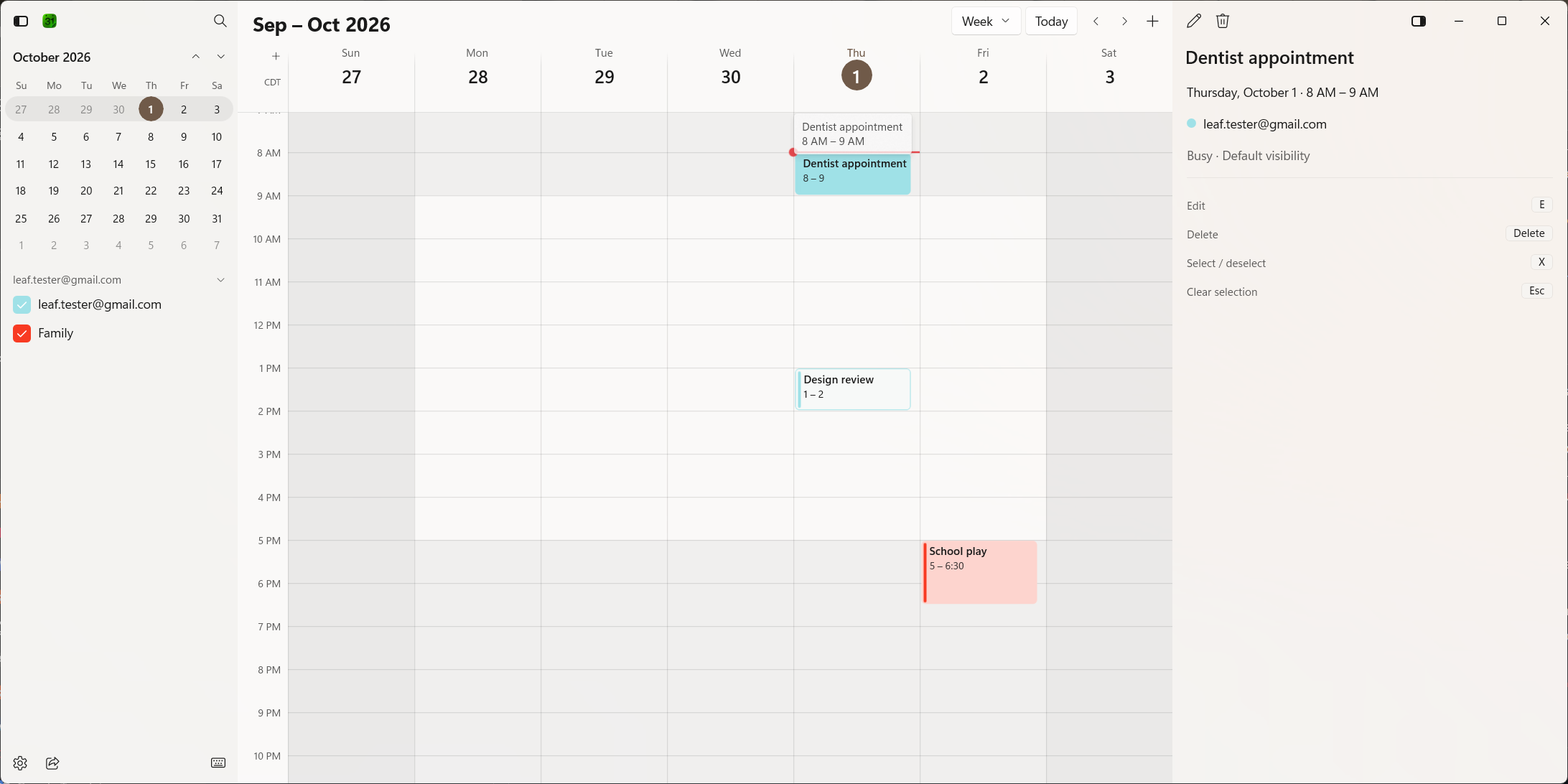
The details show the time, the calendar, the location, the meeting link, the guests and how each one replied (with any notes they left), the description, whether you show as Busy or Free, and the event’s visibility.
At the top of the panel, the pencil button opens the editor and the trash button deletes the event. Below the details, the panel lists the keys you can press for the selected event.
Joining a meeting
When an event has a meeting link, the details show a Join button. Google Meet links open with the right Google account already picked, so you never land in a meeting signed in as the wrong person. Zoom, Teams, and Webex links open in their apps when they’re installed.
Click the arrow next to Join (More join options) to Copy link instead.
| Keys | What it does |
|---|---|
Ctrl+J | Join the selected meeting, or your next one |
V | Open the meeting link in your browser |
See Joining meetings for joining from anywhere in Windows.
Replying to an invitation
Under Your response, pick Going, Maybe, or Not going. You can Add a note (optional) to go with your reply.
You can also reply by:
- Right-clicking the event.
- Pressing
EthenY(yes),N(no), orM(maybe). - Clicking Yes, No, or Maybe on the invitation notification.
If the same meeting is on the calendars of several of your accounts, Leaf Calendar shows it once.
Emailing guests
Click Email guests (or press E then E) to start an email to everyone on the event in your mail app. If you’re a guest rather than the organizer, Email the organizer writes to the person who invited you.
Locations
Click the button under the location to open it. A location with a web link opens the link (Open link). A Google Maps or Bing Maps link opens on that map. A phone number, with or without Tel: or an extension, calls it (Call), and an email link writes to that address (Send email). Anything else, such as an address or a room, opens in Google Maps or Bing Maps. Pick which one in Settings › General › Open locations in.
Right-click menu
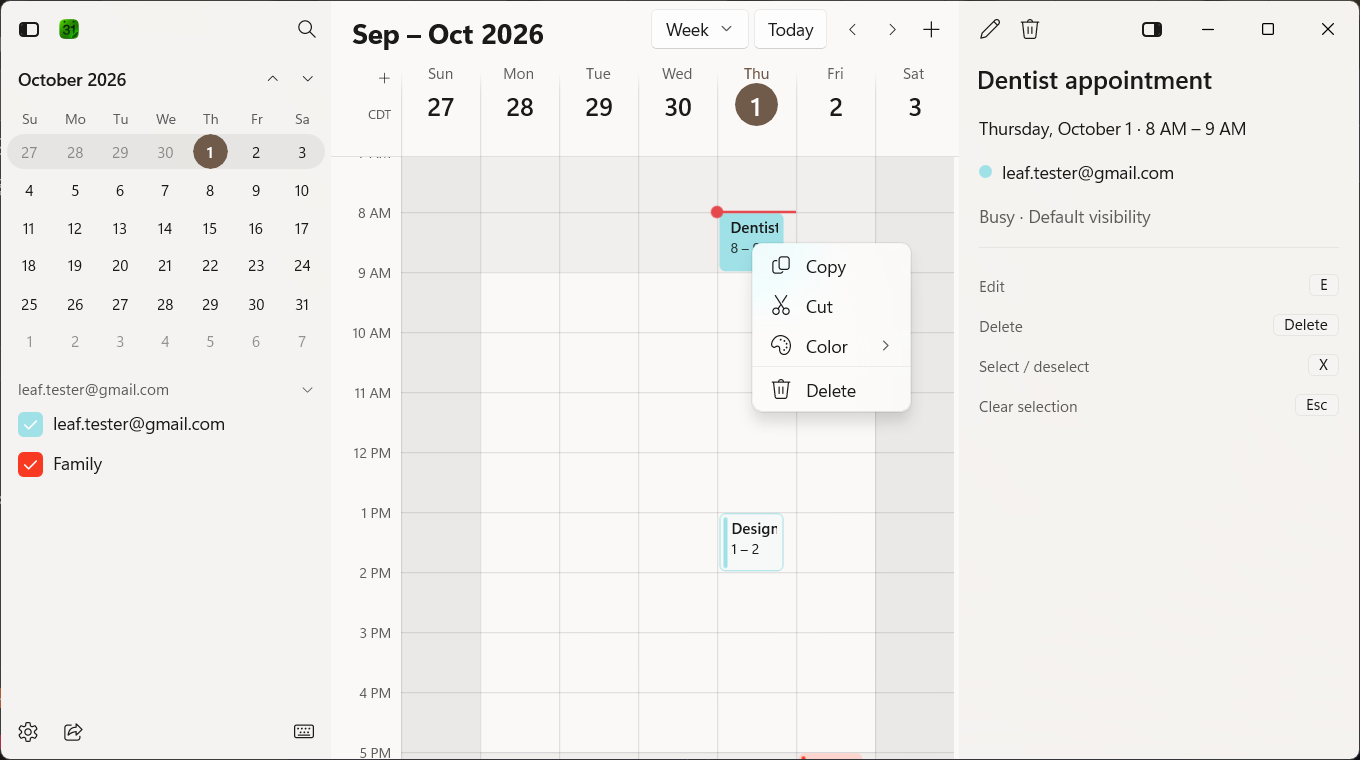
Right-click any event for quick actions, like replying, changing its color, copying, and deleting.
Seeing who’s free
With a meeting selected, press E then F to lay every guest’s busy times over your calendar. See People and busy times.