 Leaf Calendar
The event editor
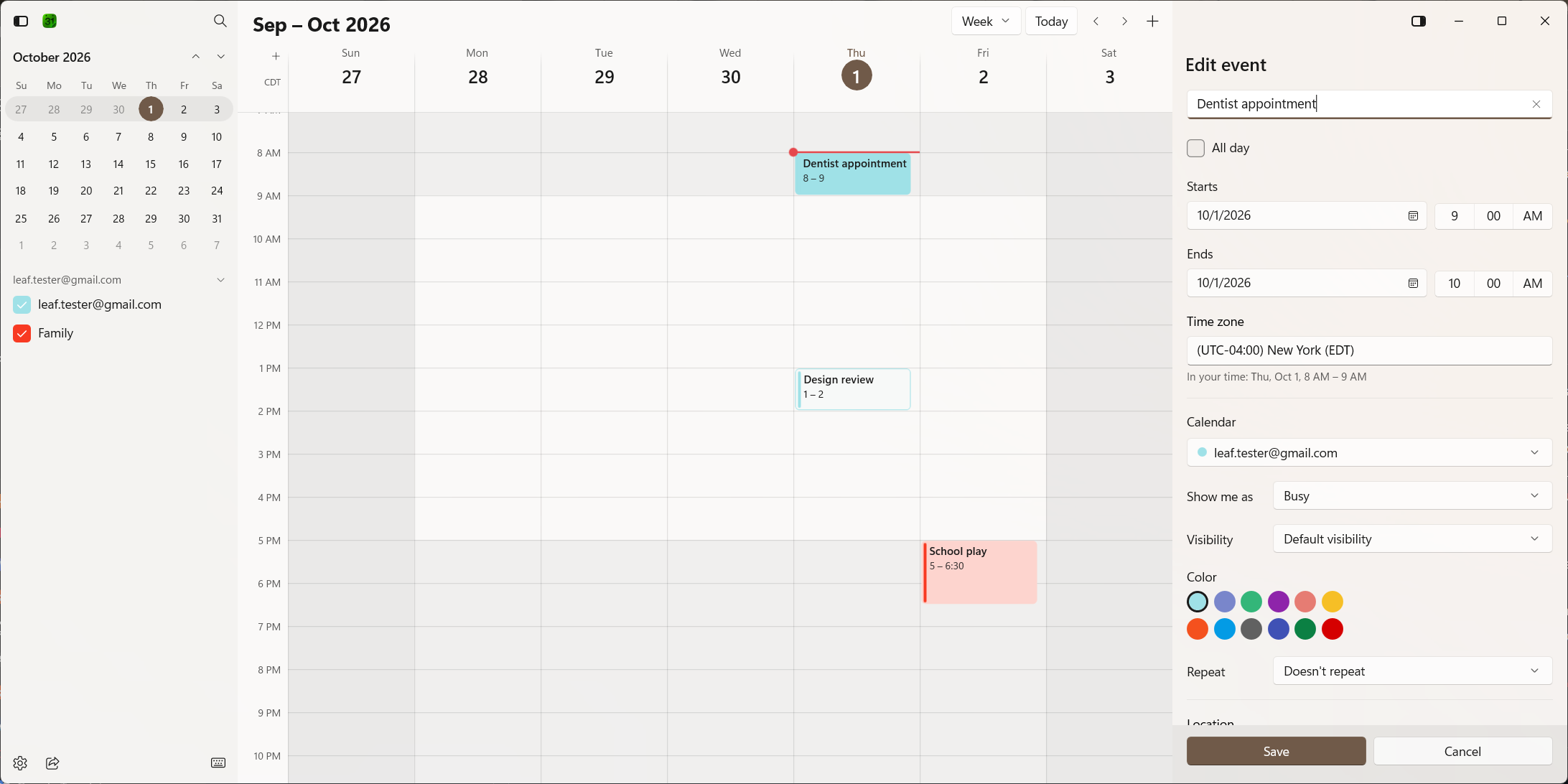
The editor opens in the right panel when you create an event, or when you select an event and click the edit (pencil) button or press E.
The fields
| Field | What it does |
|---|---|
| Title | The event’s name. |
| Starts and Ends | The date and time. Check All day for an event with no times. |
| Time zone | The event’s own time zone, handy for flights. Press E then Z to jump straight here. |
| Repeat | Doesn’t repeat, Daily, Weekly, Monthly, Yearly, or a custom pattern (every few days or weeks, on certain days). Choose when it Ends: Never, On a date, or After a number of times. A pattern made in Google Calendar that Leaf Calendar can’t edit shows as Custom rule (kept as is) and stays exactly as it was. |
| Calendar | Which calendar the event is on. Change it to move the event to another calendar, even one in another Google account. |
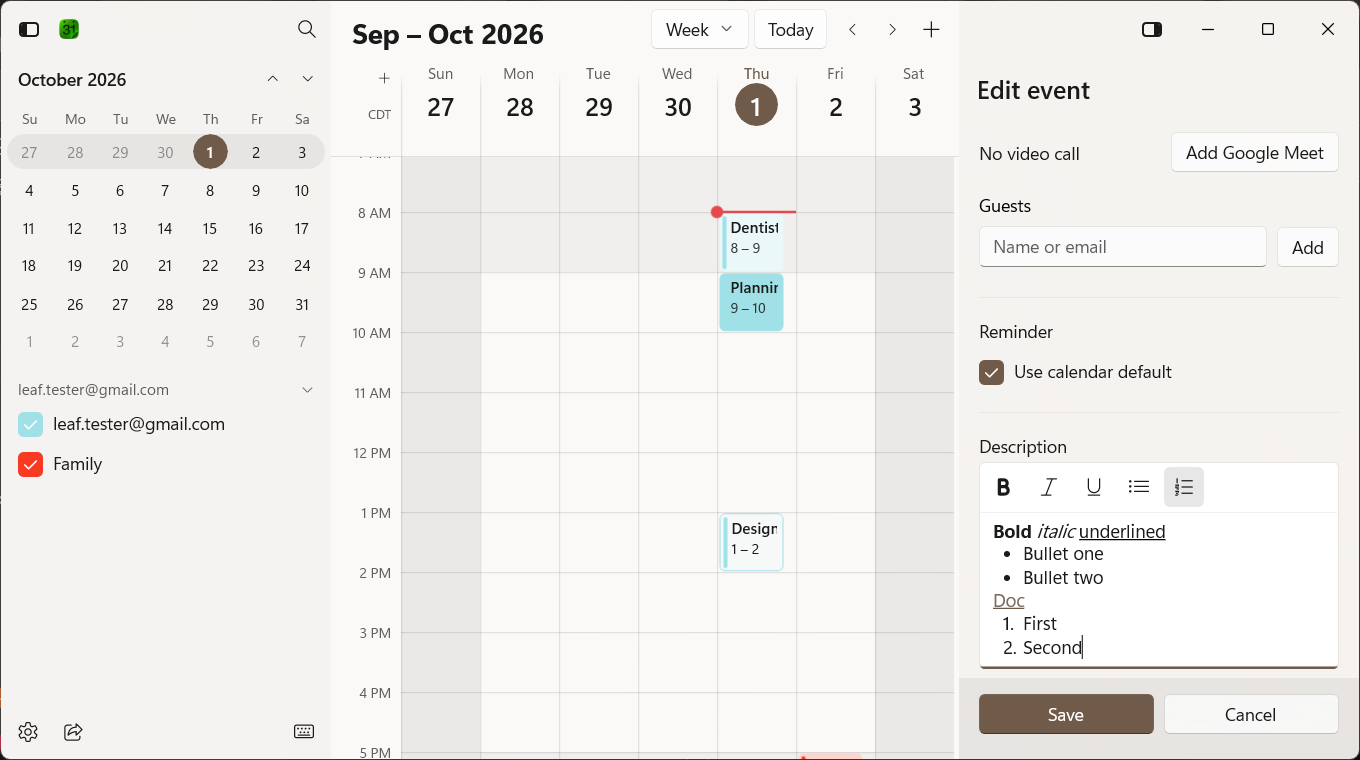
| Guests | Type a name or email. Leaf Calendar suggests your contacts, people you’ve emailed, coworkers from your Google Workspace directory, and people you meet often. Mark a guest Optional if they can skip it. |
| Room | Meeting rooms you’ve booked before (Google Workspace accounts). |
| Location | An address or place. It opens in Google Maps or Bing Maps (Settings › General › Open locations in). |
| Video call | Add Google Meet creates a Meet link. Pasted Zoom, Teams, Webex, and other meeting links are recognized too. |
| Description | Notes for the event, with bold (Ctrl+B), italic (Ctrl+I), underline (Ctrl+U), and bulleted or numbered lists. Links are kept as they are. |
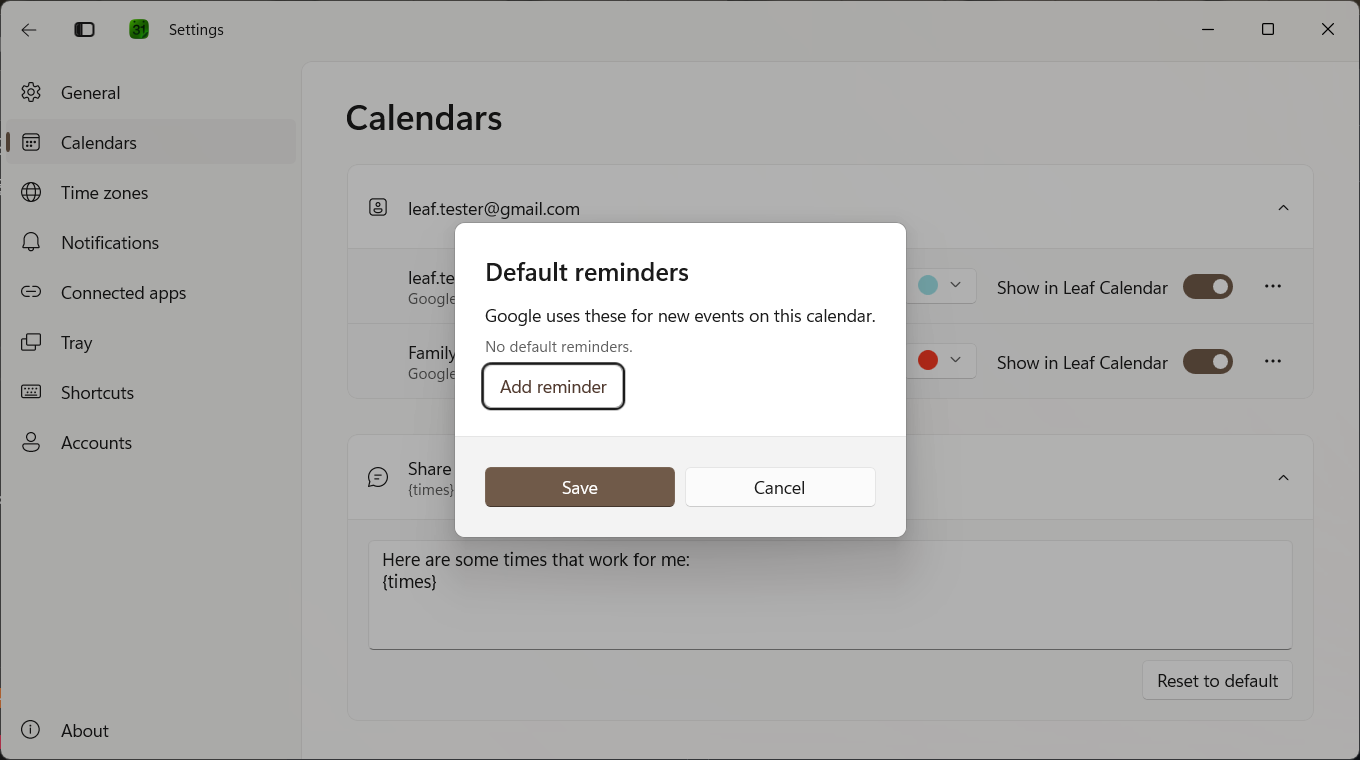
| Reminder | Use calendar default, or Add reminder to set your own times. |
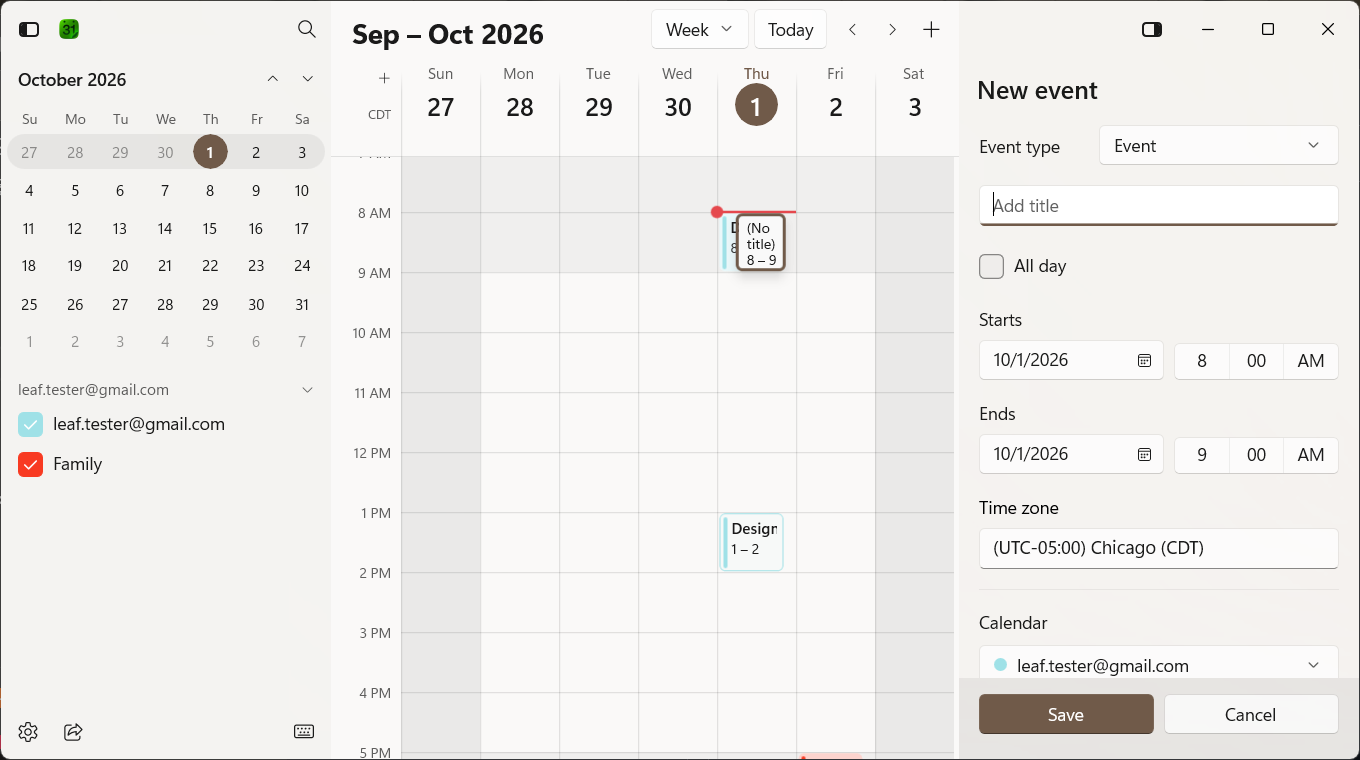
| Event type | Event, Focus time, or Out of office. Only for new events on a Google Workspace account’s main calendar, since Google can’t change the type later. |
| Show me as | Busy or Free. |
| Visibility | Default visibility, Public, or Private. |
| Color | A color for just this event. |
Reminders
Saving
| To | Do this |
|---|---|
| Save and email the guests about the change | Click Save or press Ctrl+Enter |
| Save without emailing anyone | Click Save without emailing or press Ctrl+Shift+Enter |
| Throw your changes away | Click Cancel or press Esc |
Repeating events
When you change or delete one event in a repeating series, Leaf Calendar asks what to change:
- This event changes only the one you picked.
- This and following events changes it and every one after it.
- All events changes the whole series.
Quick edits from the keyboard
With an event selected:
| Keys | What it does |
|---|---|
E | Open the editor |
E then U | Change the duration |
E then Z | Change the time zone |
Some events are read-only, like ones on a calendar someone shared with you to view only. Leaf Calendar won’t offer to edit those.